Resumes are parsed into profiles automatically
When a resume enters the system, AI turns it into a candidate profile: name, contact details, work history, education, skills, certificates, languages, industry, expected salary, availability and more. Scanned files and images are read with image recognition.
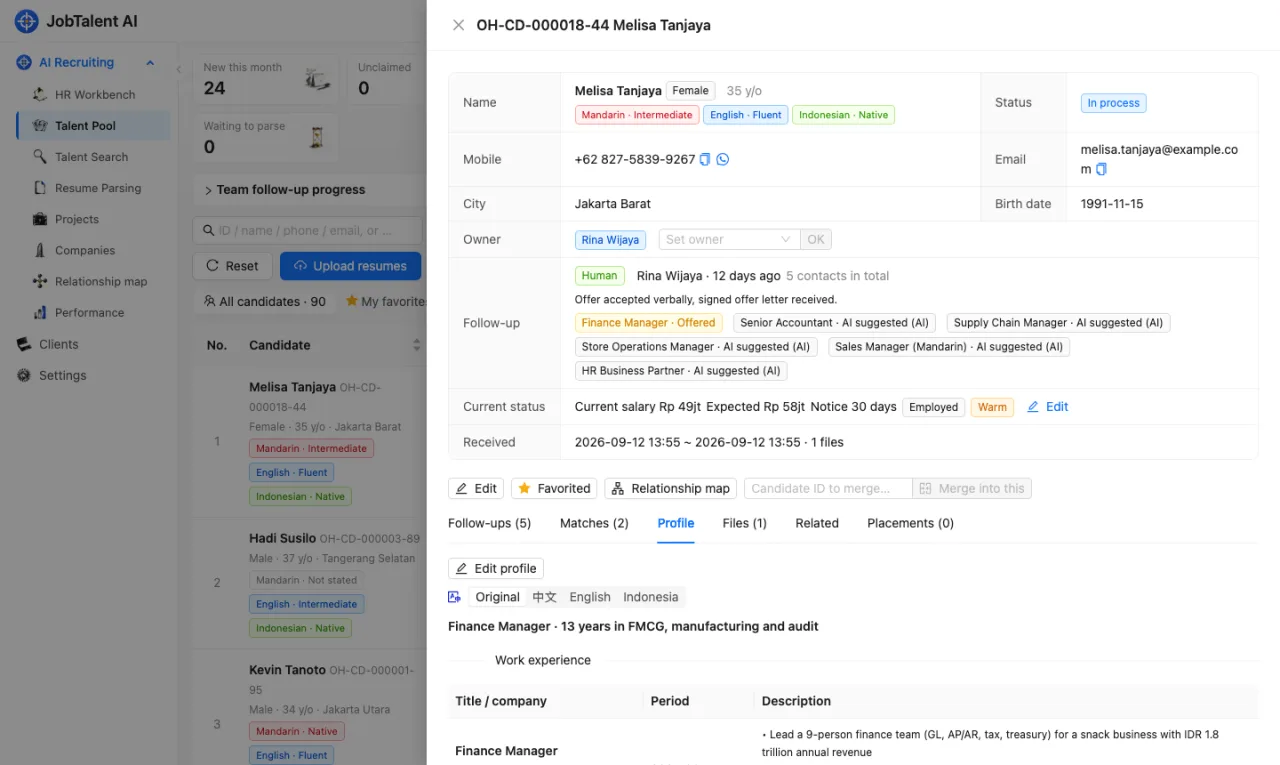
- If the same person applies several times, the system merges them into one candidate by phone number and email. If the number is the same but the name is different, they are not merged automatically. They are marked "Same phone, different name" for a person to check.
- Fields the AI is not sure about are marked "Needs review". Please check them against the original file.
- If a profile is wrong, click "Edit profile" and fix it directly. The parts you changed will not be overwritten by later resumes. After you save, the candidate is matched against jobs again.
You can see parsing progress and failure reasons on the "Resume Parsing" page.
University
Schools in the education history are matched against a worldwide university database (about 30,000 universities, Indonesian ones included). Under the school you'll see an extra line with the official name, city, public / private, and:
- QS World University Rankings (2026 edition), e.g. "QS 2026 #189" or "QS 2026 851–900".
- Indonesian BAN-PT institutional accreditation, e.g. "BAN-PT Unggul". From highest to lowest: Unggul, Baik Sekali, Baik.
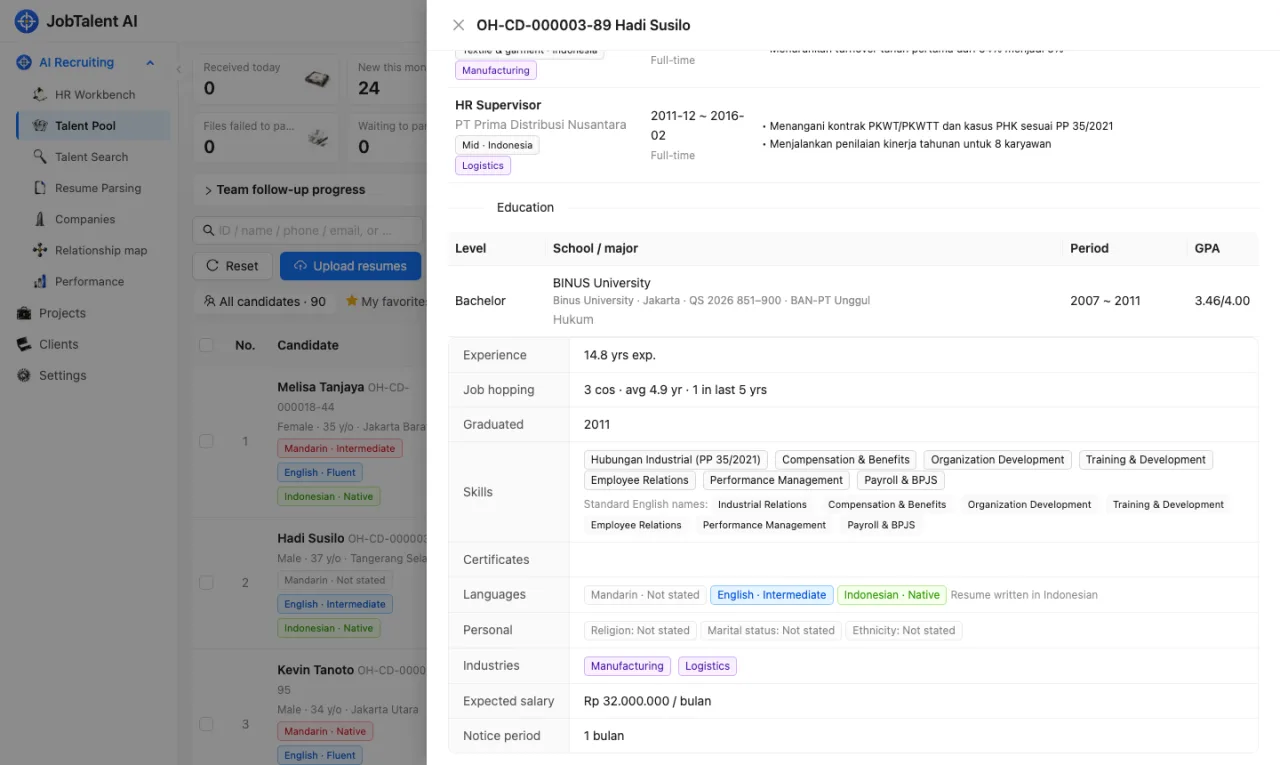
Schools that can't be matched (high schools, very small colleges, or names written too briefly in the resume) are shown as written, without the extra line.
Job requirements
Each job's JD is split into 3–10 requirements, marked "Must" (★) or "Nice". This is the ruler used for scoring. For one job, every candidate is measured with the same ruler. You can edit the requirements by hand. See Clients, projects and positions.
How AI scores
AI first picks people from the talent pool who may be relevant to the job, based on skills, experience, industry and other dimensions. Then it scores each one against the job requirements:
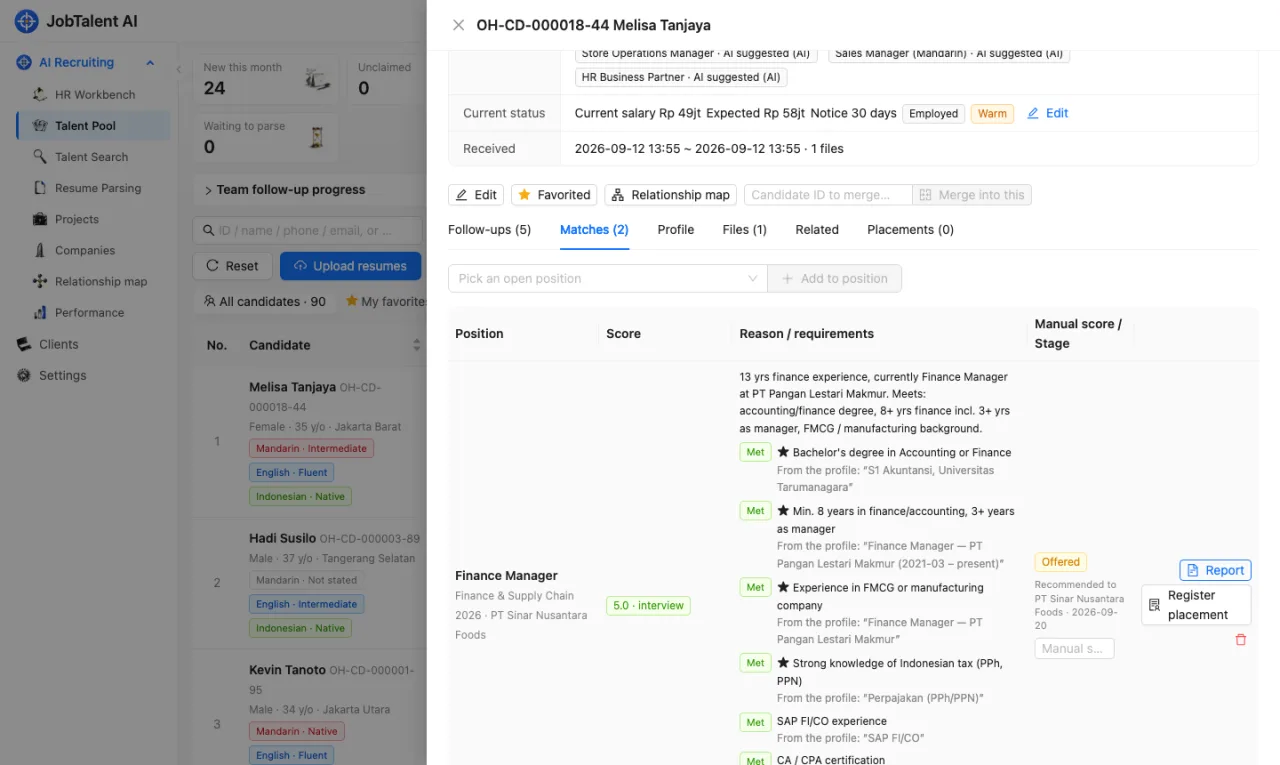
- Each candidate gets a score of 0–5 for each job, in steps of 0.5.
- Each requirement is marked as met, partly met, not met, or not mentioned in the resume. When a requirement is marked "Met" or "Partly met", the original text from the profile must be attached as evidence. The system checks that this text really is in the profile. If it doesn't match, the requirement counts as "Not mentioned".
- If any "Must" requirement is missing (not met or not mentioned), the maximum score is 3.5.
- Reasons are given in Chinese, English and Indonesian, together with a list of gaps.
| Score | Meaning |
|---|---|
| 4 and above | Recommended for interview |
| 3–3.5 | Partly relevant, worth considering |
| Below 3 | Wrong direction; hidden by default, click "Show low-score suggestions" to see them |
AI does not add or remove points for things unrelated to the job, such as name, gender, age, place of origin or religion.
Only jobs that are "Open", in projects that are "Open", take part in matching.
Where to see the results
- In the "Talent Pool", filter by job. Candidates are sorted by match score.
- Open a candidate → "Matches" to see the score for each job, the result for each requirement and the original text used as evidence.
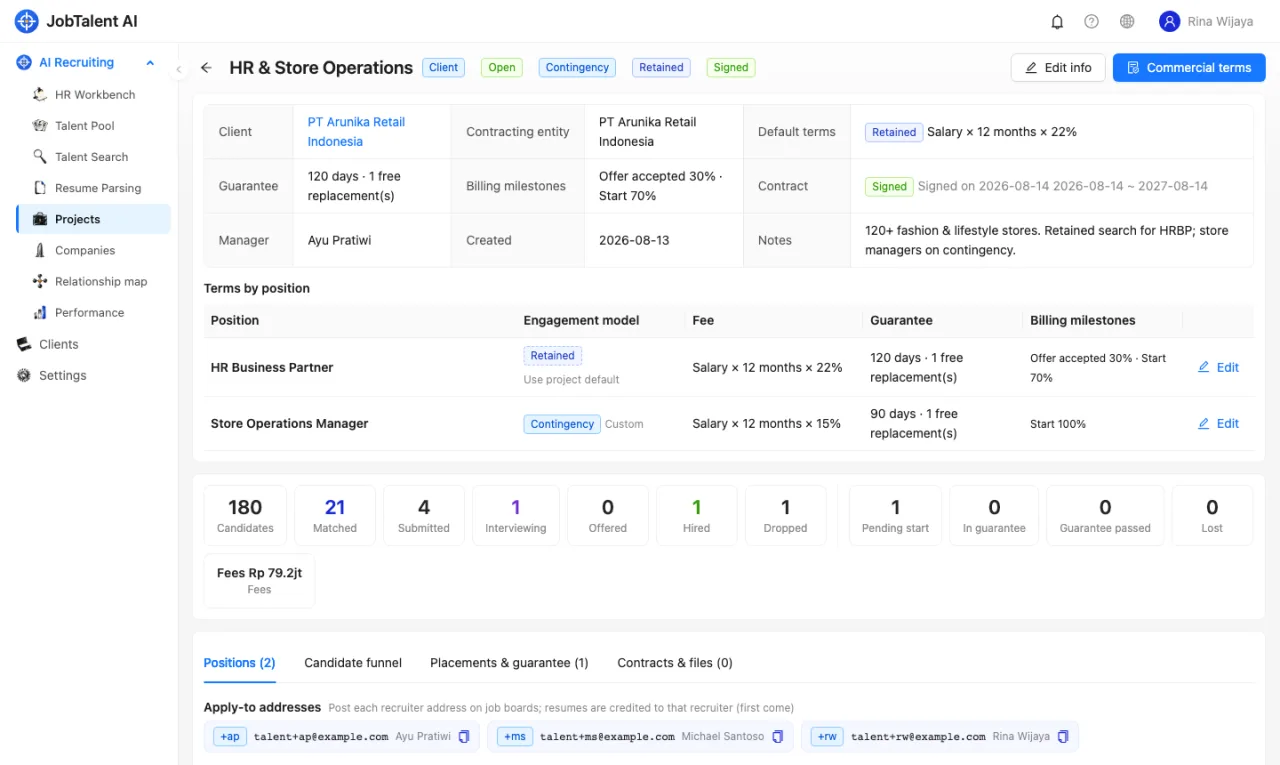
New resumes are usually processed automatically by the scheduled job. If you can't wait, click "Run AI matching" to run a round by hand, then refresh after a few minutes.
People make the final call
AI results are a reference to help you narrow down the list. A person makes the final judgement:
- You can enter a "Manual score" for a candidate. The manual score is shown first.
- When AI re-evaluates, it only updates the AI score and reasons. It does not change the stage or manual score you set.
- After you "Remove" a candidate from a job, AI will not match them to that job again.
Keep warm: people to follow up
- Keep warm: "Candidates to keep warm" in the "HR Workbench" lists people you should follow up with. For example: the agreed follow-up date has arrived, someone in the process has not been contacted for too long, or a high-score candidate has never been contacted. You can change the number of days and the high-score threshold in "Settings" → "Keep-warm reminders".